
Image to Emoji Converter — Turn Pictures into Emoji Art
Convert an image to emoji art for free. Choose a JPG, PNG, or WebP picture, adjust the mosaic in your browser, and download a PNG without signing up.
Last updated: 2026-10-04
Photo From Emoji workspace
Upload a photo, adjust the detail and style, then download your PNG.
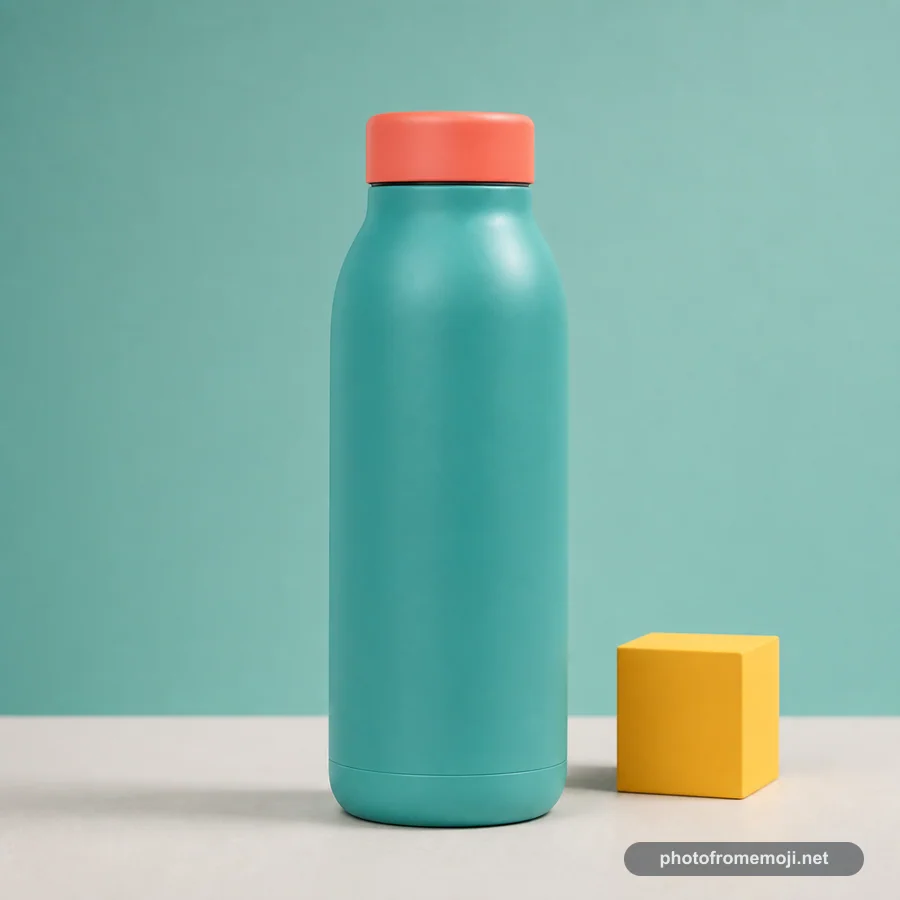 Before
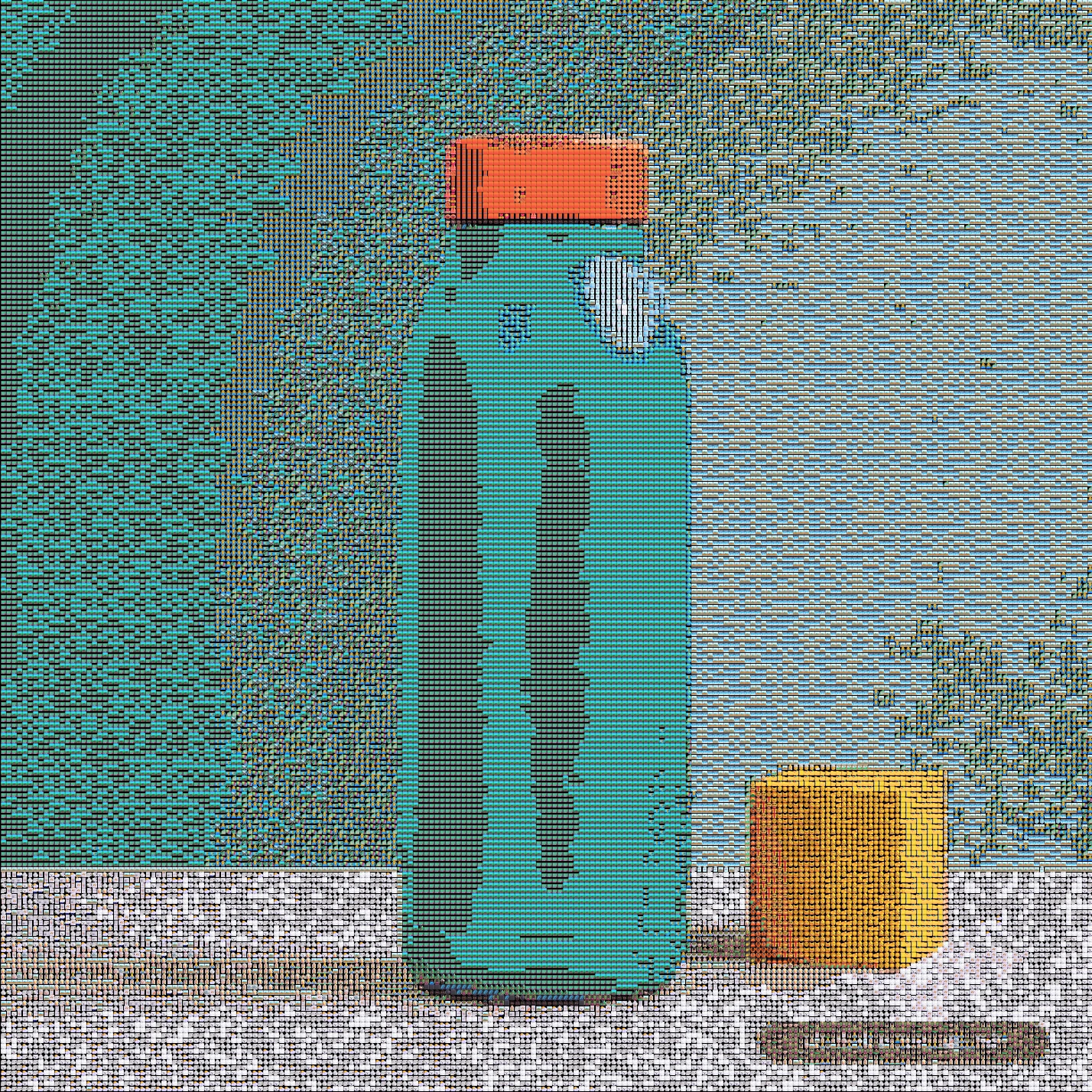 After
AfterProduct image converted to emoji
Product images show clean edges and strong color blocks, and common JPG, PNG, and WebP files are supported.
An image to emoji converter rebuilds a picture using many emoji tiles and exports the artwork as a PNG. Photo From Emoji supports common web image formats and generates the output directly in the browser. It does not turn the picture into a single Unicode emoji or a copyable line of emoji text.
Choose a file in the tool above to try it. If you are looking for a picture to emoji converter, the same workflow works with a camera photo, product image, or painting: the result is a mosaic image made from many emoji, ready to save as a PNG.
Supported image formats
| Input format | Supported | Notes |
|---|---|---|
| JPG | Yes | Best for regular photos and portraits |
| PNG | Yes | Good for screenshots, transparent images, and product images |
| WebP | Yes | Good for modern web images |
| GIF | Not in the current workflow | Convert a frame to JPG or PNG first |
| HEIC | Not supported directly | Export a JPG or PNG from your photo app first |
How the converter works
- The browser reads the image file.
- The tool samples color and structure from the source image.
- Matching emoji-style tiles are drawn onto a canvas.
- The generated result appears in the preview panel.
- You download the final PNG when the result looks right.
Choosing the right output style
| Goal | Recommended mode | Why |
|---|---|---|
| Recognizable portrait | Grid | Keeps the face easier to read |
| Softer emoji art | Texture | Blends the emoji texture more gently |
| Bold graphic look | Chart | Creates stronger blocks and clearer tile contrast |
| Quick social image | Grid first, then Chart | Lets you compare different styles |
Tips before converting an image
Choose a JPG, PNG, or WebP under 10 MB. Crop the subject closer if it appears too small. If the background is busy, try a simpler image first so the converter can preserve the main subject.
Turn a picture into emoji, step by step
For a picture from your camera roll, choose the original file rather than a screenshot of it. A screenshot may add borders and shrink the subject. The photo-to-emoji tutorial walks through choosing a picture, comparing settings, and saving the PNG.
If your picture is a face, see the emoji portrait maker. For cats, dogs, and coat detail, use pet photo to emoji. The emoji art generator explains how to compare the three visual styles.
Compare a result before choosing your file
Browse portraits, pets, products, and paintings to see which shapes remain clear. The photo-to-emoji walkthrough shows actual files, settings, and PNG dimensions. For help choosing a personal photo, read the photo converter tips.
Save your image on a phone
Wait for the new preview to finish, then select Download PNG. Check your browser downloads or Files app if the picture does not appear in Photos. To post it in WhatsApp or another app, attach the saved PNG. This exports a picture; it does not install a sticker pack or add an emoji to your keyboard.
If a file feels slow, resize a copy before choosing it or try Quick preview. A smaller Analysis Window can retain more detail within the processing limit; Output Emoji Size changes export dimensions. The canvas is limited to 4 million pixels and 4096 pixels on either edge, so check the actual dimensions shown with your result.
Frequently asked questions
Looking for a different kind of picture to emoji conversion? Create one emoji image from a photo to crop a face or object, or use the photo emoji editor to add stickers over the original. For the reverse direction, convert an emoji to a PNG image.
What is an image to emoji converter?
This image to emoji converter rebuilds a JPG, PNG, or WebP picture from many existing emoji tiles and exports a PNG. It does not create a new Unicode emoji, animated sticker, or copyable emoji text.
Can I convert PNG and WebP images?
Yes. Choose a JPG, PNG, or WebP image to convert.
Can I save the converted image?
Yes. The generated emoji-style image can be downloaded as a PNG.
Is this a file upload service?
No. The image is processed in your browser instead of being uploaded for server-side conversion.
Can I convert transparent PNG images?
Yes. Check the result against your intended background. Background color, allowed empty space, and Hide black / transparent affect how gaps and dark areas appear.
Can I use this tool for photos too?
Yes. JPG, PNG, and WebP photos work here. Start with a close-up subject and a simple background so the outline remains readable.