
Emoji Art Examples: Three Pictures to Try
Compare three emoji art examples with originals, actual PNG results, and settings. Try a portrait, a cat, or a painting in the browser generator.
Last updated: 2026-09-11
Choose a subject to practice one visual decision: a portrait for silhouette, a cat for contrasting patches, or a painting for color groups. Each example includes the source, an actual result, and a cropped detail view. Make your own artwork when you have a picture ready.
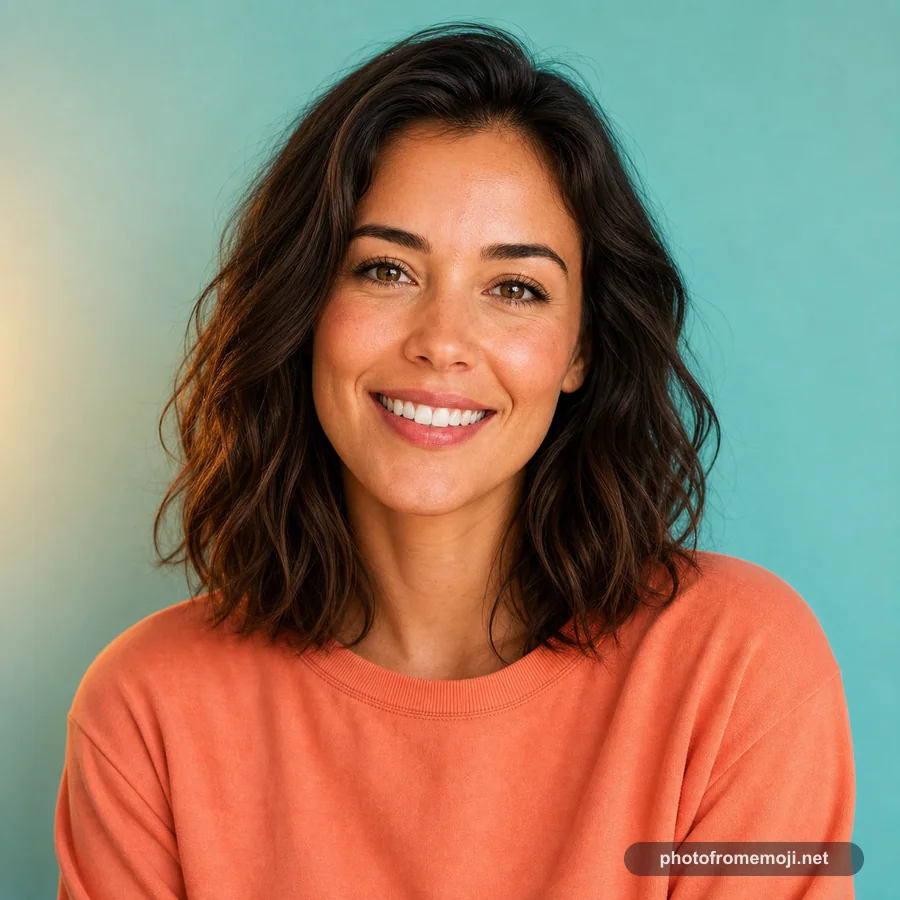
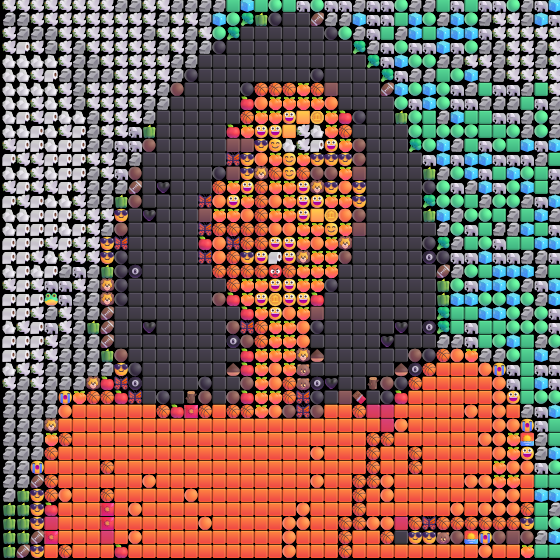
Portrait: keep the outline readable
Original
PNG result
Center detail, 2.5x
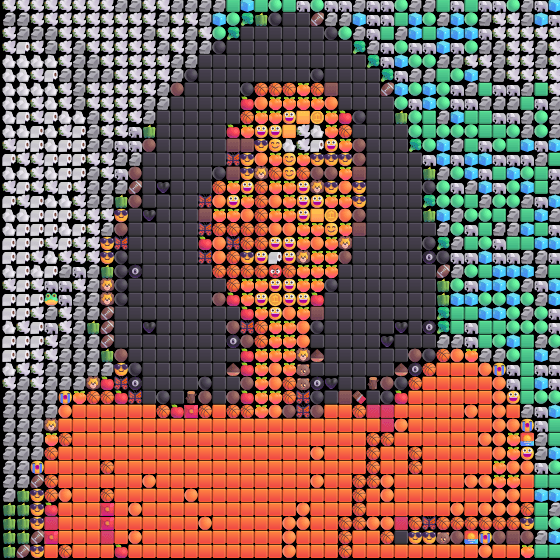
The dark hair and orange shirt remain separate from the background. The tiny details around the eyes become symbols rather than photographic lines. For an avatar, judge the full small face first; a striking enlarged detail does not guarantee a readable profile picture.
Try this: Load the portrait, download a first result, and view it at your planned avatar size. If your own photo has a smaller face, crop it before uploading. More portrait advice.
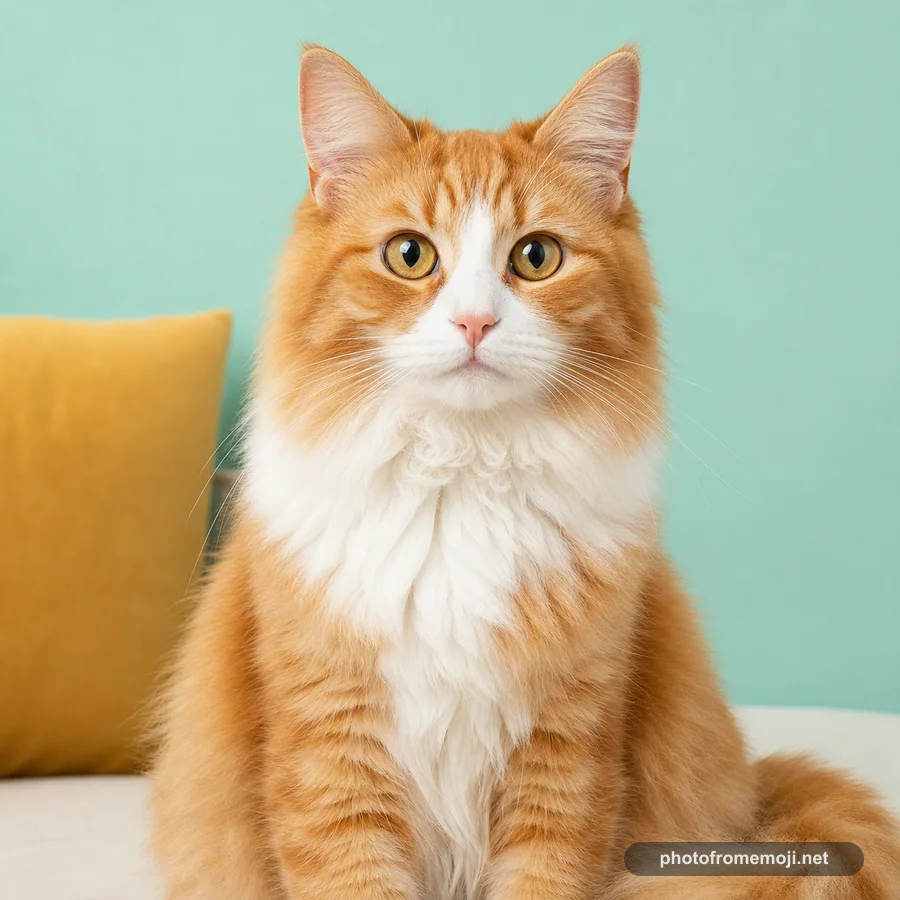
Cat: protect the light and dark patches
Original
PNG result
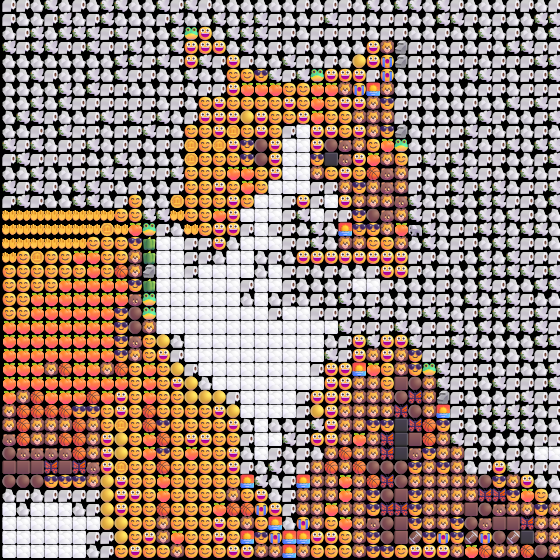
Center detail, 2.5x
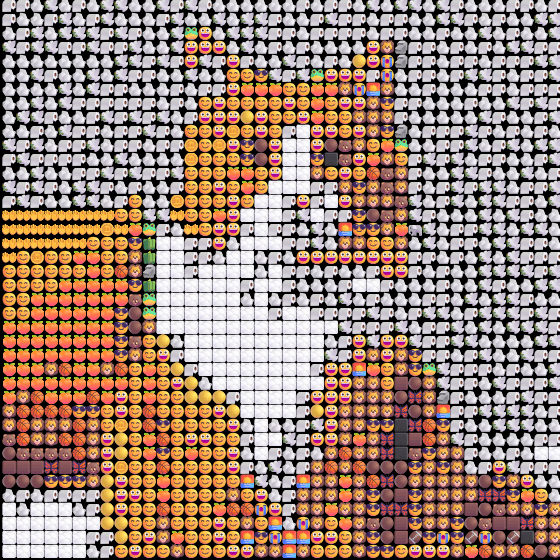
The orange face, white chest, and dark eyes make separate areas. Individual whiskers and fine fur simplify. Those lost strands matter less than the ears and eyes when deciding whether the result still looks like the animal.
Try this: Load the cat and compare the result from a distance before zooming in. With your own pet photo, keep both ears inside the crop and avoid a background close to the fur color. More pet photo advice.
Painting: follow the large color groups
Original
PNG result
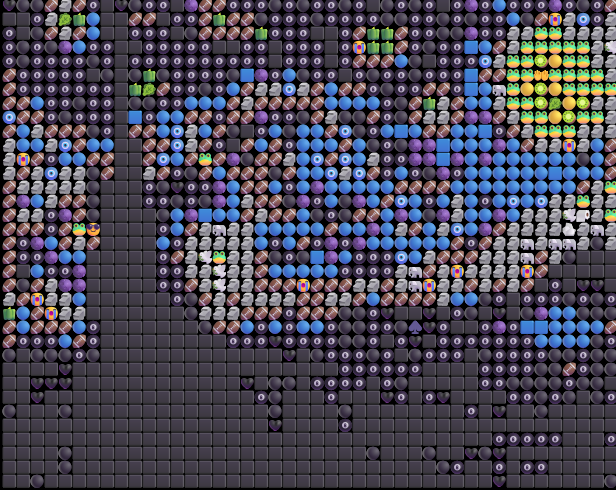
Center detail, 2.5x
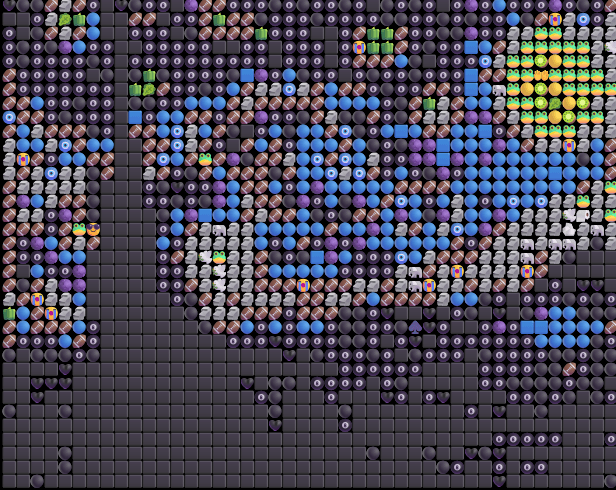
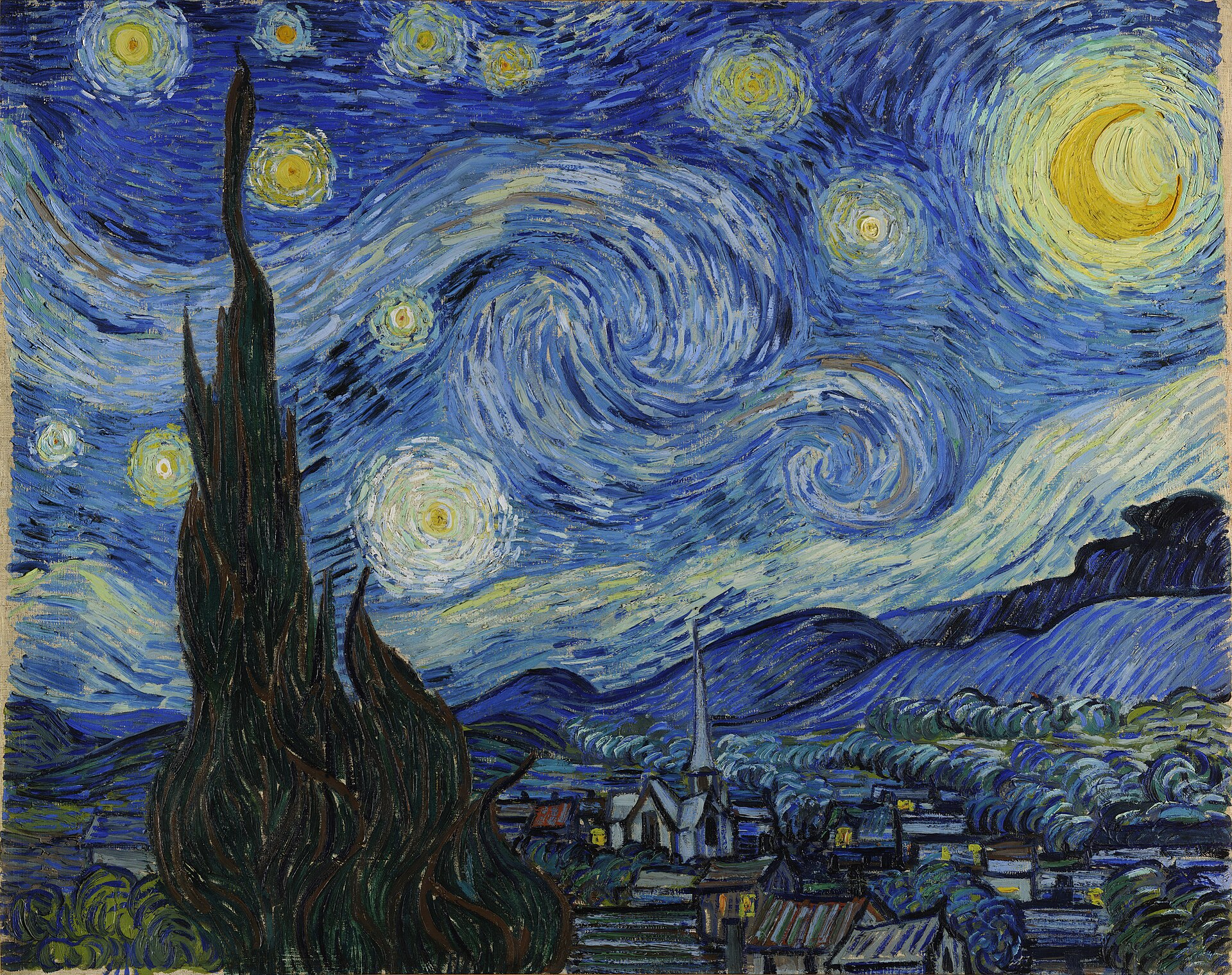
Blue sky, yellow lights, and dark shapes give the image its structure. Some stars remain distinct while small brushstrokes merge. The detail view lets you inspect the symbols that produce the scene without mistaking that crop for a separately generated image.
Try this: Load the painting, save the Grid version, then compare Chart at the same width. Watch the sky and lights as you choose. Explore the grid effect.
Match the settings before comparing
These recorded outputs use Quick preview, analysis window 4 and output emoji size 14. The portrait and cat links now open High detail, 2 and 7. For a closer comparison with the pictures above, restore the recommended settings and choose Quick preview; the painting already uses that preset. Emoji shapes may differ across operating systems.
The source images are fetched when you choose a sample. Loading one starts a new rendering; it does not simply download the pictured result. If you already have an image open, check the replacement prompt before continuing.
For more subjects, use the full art gallery. For a guided creative exercise, read how to make emoji art; for upload and download steps, use the photo conversion walkthrough.
Common questions
Are these real results from the tool?
Yes. The displayed PNGs were exported from the browser generator with the settings shown. The portrait and cat source images are AI-created demonstrations, not customer photographs.
Why does a loaded example look different?
The recorded examples use Quick preview settings 4 and 14. The portrait and cat now load with High detail settings 2 and 7; the painting loads with Quick preview. Browser emoji fonts can also change the appearance.
Can I share a result made from my own photo?
Download your PNG and attach it where images are accepted. Use a source you have permission to process and share, and check the saved result for personal details before posting it.
Will my picture appear on this page?
No. Choosing a file does not submit it to a public gallery. Your image is processed in the browser, and these examples are selected site demonstrations.
Portrait and cat inputs are site-created AI demonstrations. Painting: Vincent van Gogh, The Starry Night (1889), using the site's existing Wikimedia Commons reproduction. The result images are recorded desktop Chrome exports, not community submissions.